


FJD PaintMaster Airfield
Make every marking window count. The PaintMaster Airfield marks runways, taxiways and aprons from approved CAD drawings, with less manual setting out.
*Actual results depend on the job, the site and the way you work.
One robot, two workflows.
At an airport every closure window is limited. Small errors mean repainting, wasted paint and a later reopening. The PaintMaster Airfield converts approved CAD drawings into robot paths for new markings, and verifies existing lines with the V4e Pro before you repaint.

New markings from CAD
Import approved CAD drawings and convert them into executable paths for runways, taxiways and aprons.
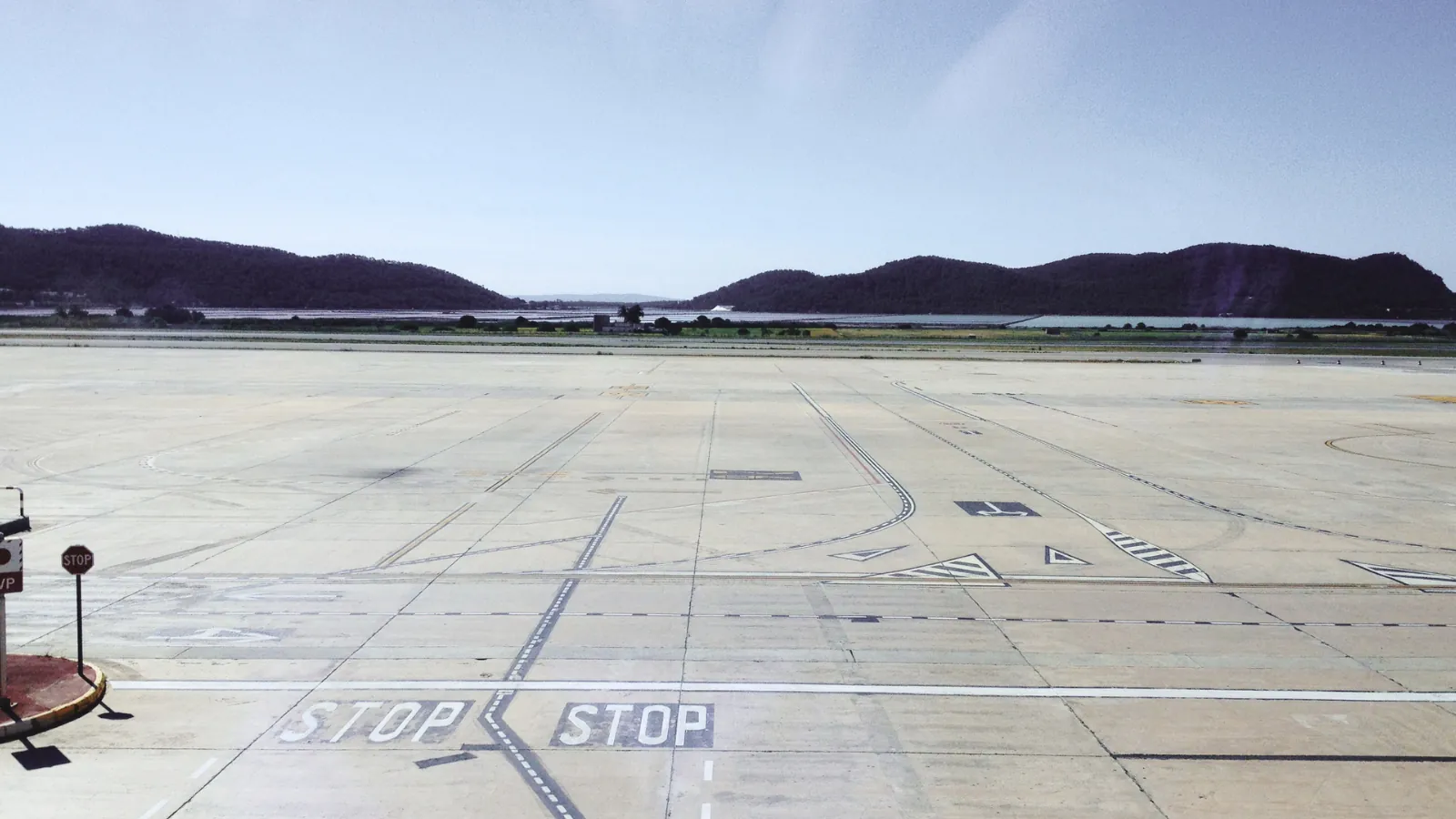
Verifying existing lines
Verify reference points with the V4e Pro, correct deviations on site and avoid painting over old errors.
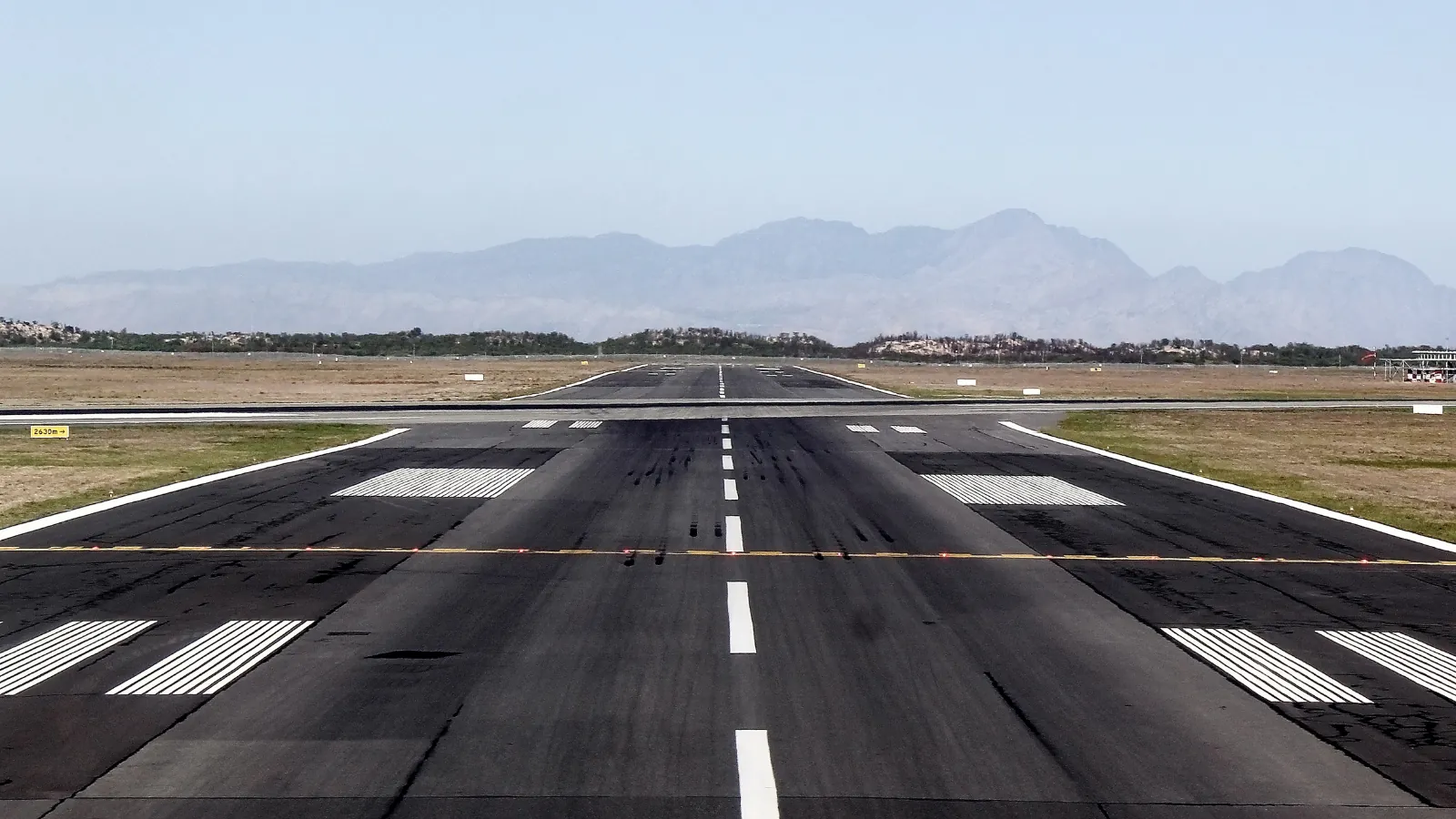
See, position, protect
RTK for centimetre positioning, LiDAR and vision for obstacles and a bumper for physical protection in the work zone.
Autonomy without worries.
Preview the route
Review route and sequence before the start and limit adjustments inside the window.
Real-time monitoring
Progress, operating time, battery, paint status and alerts while work is under way.
Local network
CAD drawings, point data and logs stay within the airport network.
Extended operation
Swappable batteries for night-time and extended marking tasks.
Report per job
Job reports for review, internal reporting and maintenance planning.
Support
CAD preparation, operator training and commissioning on site.
Every job planned, checked and recorded.
Plan from CAD
Start from approved drawings, for new markings and repainting.
Verify reference points
Optional: verify points with the V4e Pro and correct deviations.
Preview route
Check route and sequence beforehand to limit adjustments on site.
Autonomous marking & reporting
The robot follows the approved path; afterwards you export the job report.
The specifications.
Ideal for.
Line-marking robots for paved surfaces.
High-pressure marking for car parks, business sites and airports.
| Feature | FJD PaintMaster Parking | FJD PaintMaster AirfieldThis page |
|---|---|---|
| Application | Car parks, industry, logistics | Runways and taxiways, aprons |
| Planning | Scan + SiteMind | CAD drawings |
| Line width | 10-25 cm | 10-30 cm |
| Speed | 1-4 km/h | 1-4 km/h |
| Paint tank / pressure | 19 L / 20 MPa | 19 L / 20 MPa |
| Runtime / charging time | 6 u / 4 u | 6 u / 4 u |
| Weight | 210 kg | 210 kg |
Manufacturer specifications. Actual performance depends on terrain, surface and weather conditions.
Calculate it
for your grounds.
Enter your area, maintenance hours and labour cost and instantly see your savings and payback period with the FJD PaintMaster Airfield.
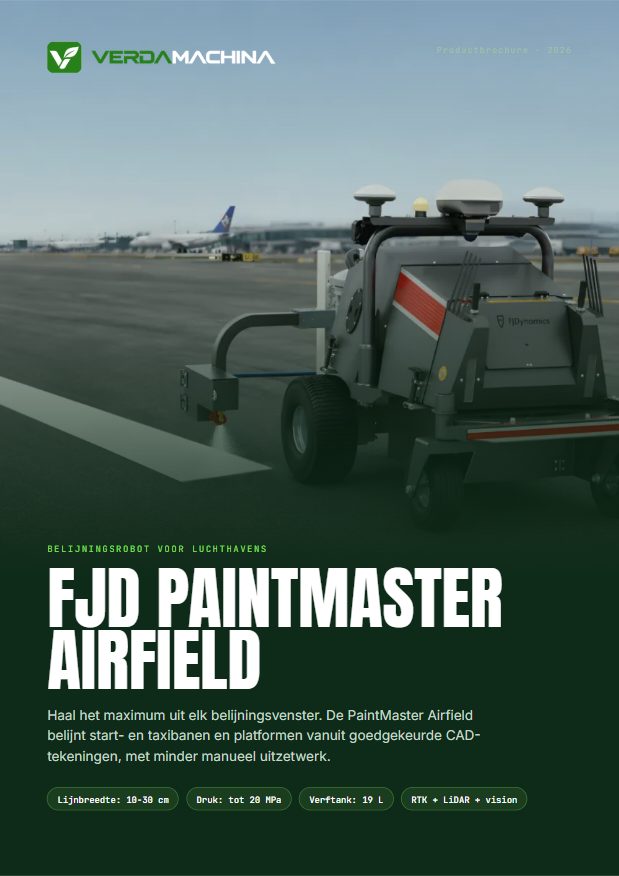
About the FJD PaintMaster Airfield.
Which markings does the Airfield paint? +
Runways and taxiways, aprons and parking and service areas.
Does our data stay inside the airport? +
The robot can be deployed on the local network, so CAD drawings, point data, job records and logs stay within the airport network.
How does the robot avoid painting over old errors? +
For repainting you first verify the reference points with the V4e Pro and correct deviations on site.
What support is available? +
CAD preparation and server planning beforehand, verification, training and commissioning on site, and reporting and follow-up afterwards.
More questions? See the general FAQ or ask your question.
Related products.
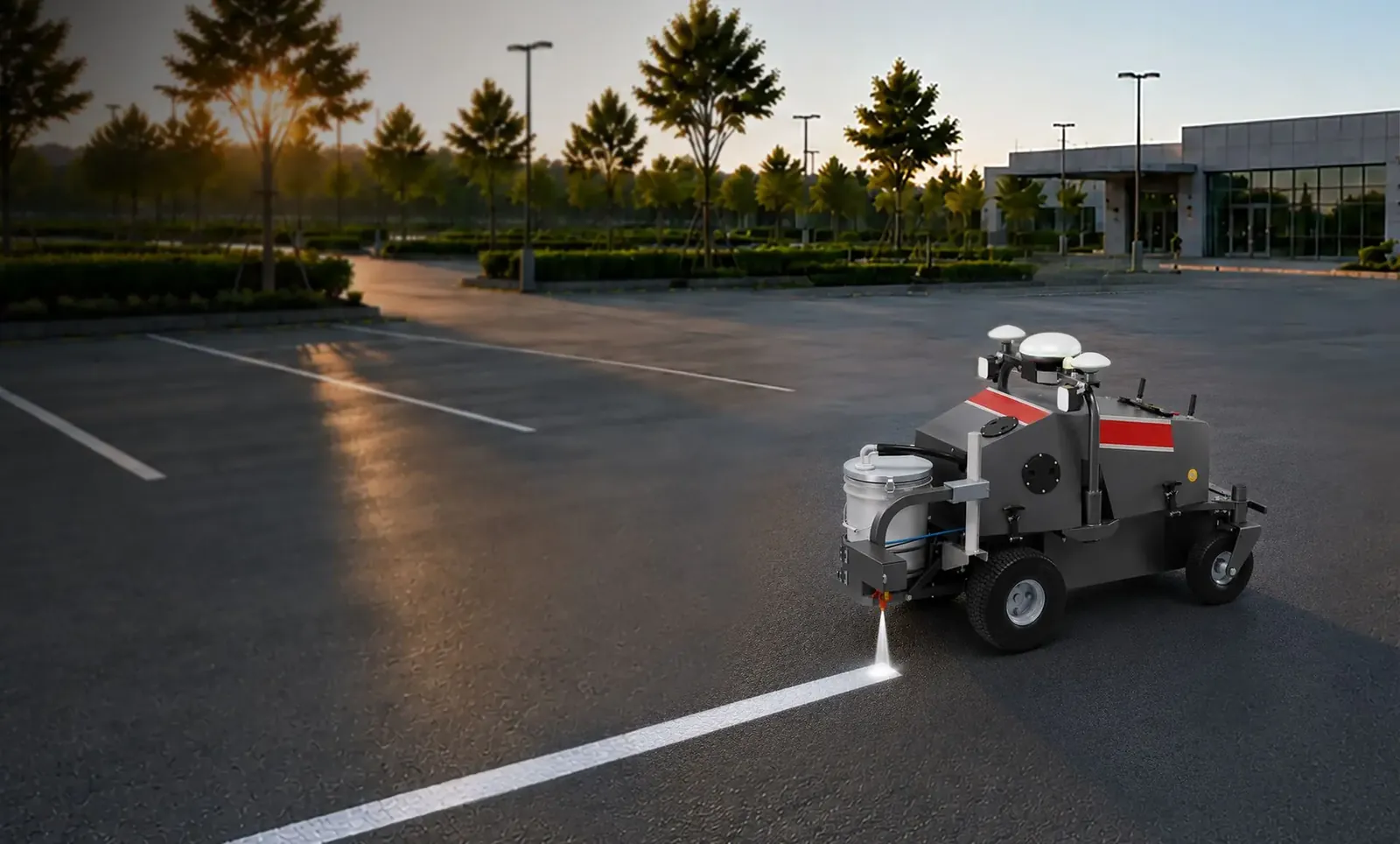
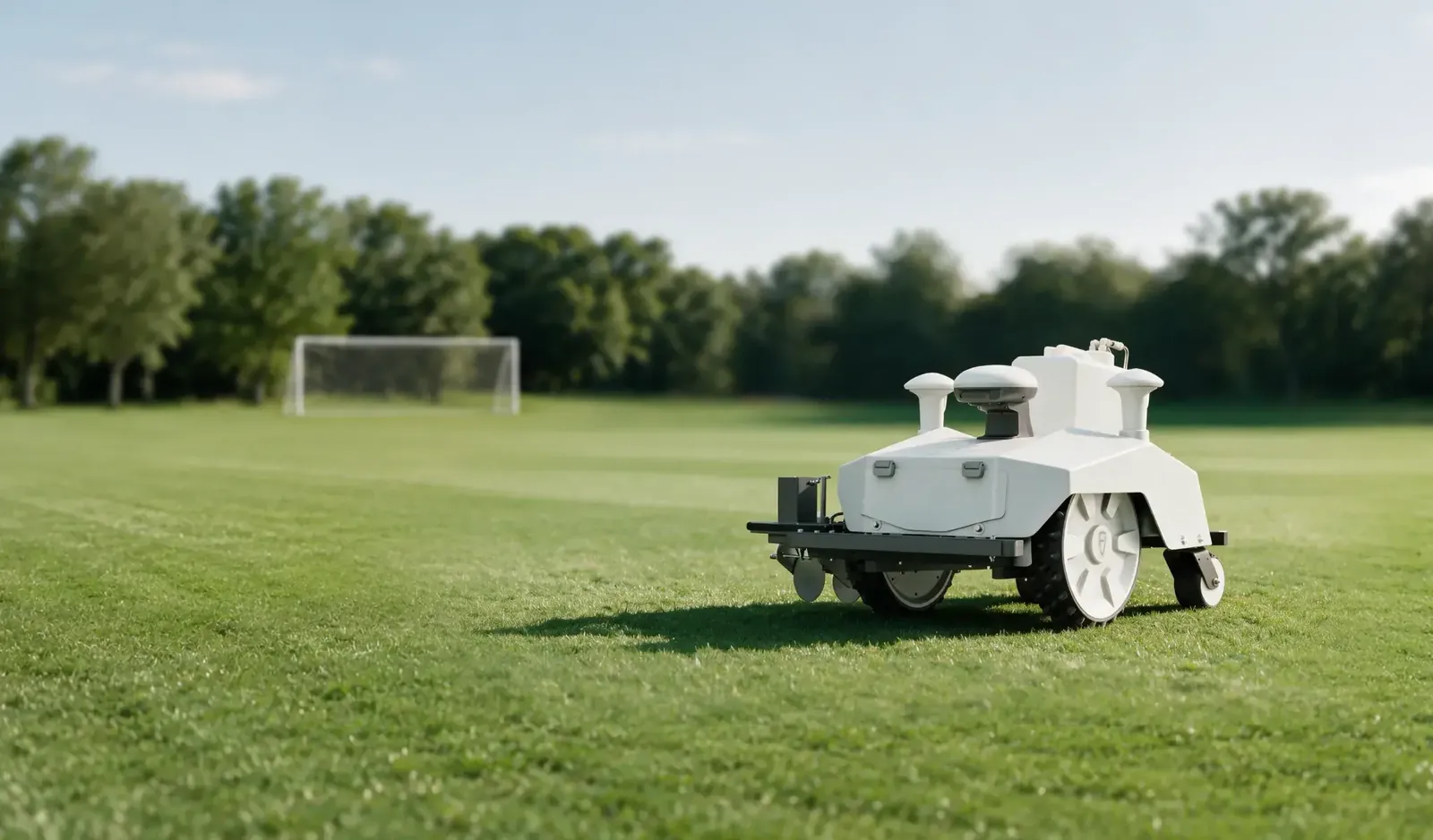
See the FJD PaintMaster Airfield at work.
Book a free on-site demo or request a tailored proposal.